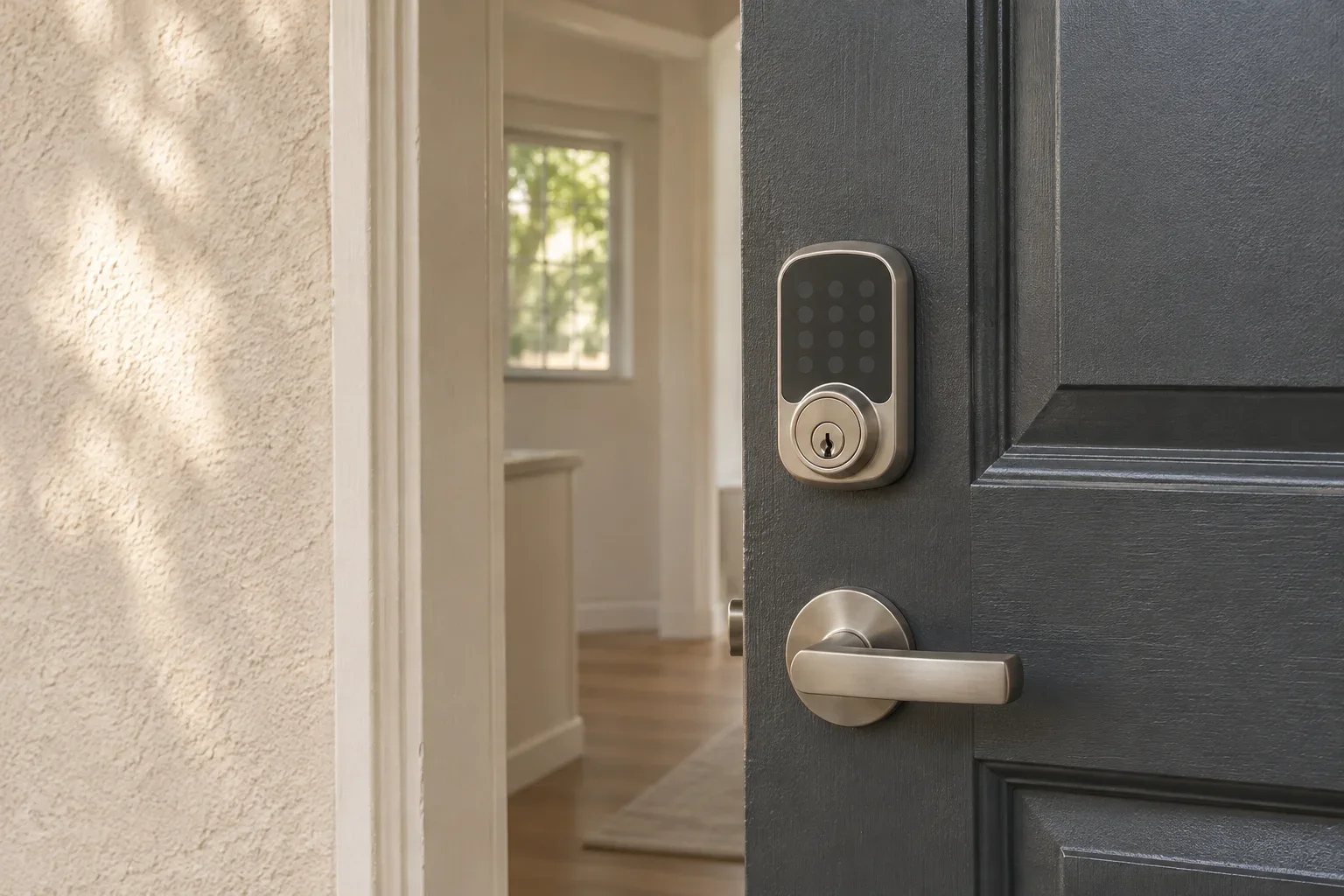
Manage rental keypad access like a set of temporary permissions, not a shared building password. Give each tenant, vendor, and staff member an appropriate unique code, limit it to the needed time period when the lock allows, and remove or change it as soon as their access ends. Keep a written access record and a tested backup entry plan. These steps help Los Angeles and San Fernando Valley owners reduce unauthorized entry without confusing digital access with the legal right to enter an occupied home.
Assign Codes by Person and Purpose
Set up an owner or administrator account that only designated staff can control. Give each authorized person an individual code rather than sharing one permanent code among residents, cleaners, maintenance vendors, and managers. If a code is shared or exposed, a unique assignment makes it easier to identify and revoke the affected access without disrupting everyone else.
Before issuing a code, check what the lock supports: some models allow scheduled or one-time codes, while others offer only codes that remain active until manually deleted. Use the narrowest practical permission and duration. For a vendor visit, for example, use a code that works only during the appointment window if the model supports it. If it does not, create a distinct vendor code, record who received it, and delete it promptly after the work.
Avoid codes based on birthdays, apartment numbers, street numbers, phone digits, or other information someone could guess. Do not send a master or administrator credential through a group text or put it in a work order. Share individual codes through a controlled channel, and avoid recording access codes in an unsecured maintenance note.
Build Code Changes Into Move-In and Move-Out
Treat every change in occupancy as a required access review. Before move-in, test the keypad, confirm the resident’s code works, and remove any codes left from prior occupants. Explain how to use the lock and whom to contact if it fails. Give residents the access needed under the lease and property procedures, without asking them to rely on a former tenant’s code.
At move-out, remove the departing resident’s code promptly when their tenancy and possession have ended, following the lease and applicable law. Review other active permissions too: former roommates, vendors, leasing staff, and temporary codes may still be on the lock. If you cannot confirm that old credentials were removed, follow the manufacturer’s reset procedure and create new codes. A reset may erase all users, so plan for current residents and authorized staff to regain access.
Use a turnover checklist so the task does not depend on memory:
- Record the code holder, purpose, activation date, and expiration or removal date.
- Confirm the new resident’s access works before relying on it.
- Delete departed occupants’ and completed vendors’ codes.
- Review administrator accounts and remove staff who no longer need access.
- Document the change without storing the actual code in a broadly shared file.
A practical access and record-transfer procedure can help owners maintain control when a manager or staff member changes.
Limit Vendor and Staff Access
Grant vendor access only for an approved task and expected visit. Confirm the appointment, provide the least access the work requires, and disable the code afterward. For recurring service, use a separate code with defined days or hours if available, then review it periodically. Do not treat an active vendor code as permission to enter at any time; coordinate the visit and follow the applicable entry process.
When staff leave or change roles, promptly remove their app access, administrator permissions, and codes. Changing a keypad code alone may not revoke access through a linked app, shared account, or other connected device. Review the lock’s user list and connected accounts, and change shared administrator credentials if they may have been exposed.
Keep Digital Access Separate From Legal Entry
A functioning code does not itself authorize a landlord, manager, or vendor to enter an occupied rental. California Civil Code section 1954 limits the reasons a landlord may enter and generally requires reasonable written notice and entry during normal business hours, subject to legal exceptions. Do not use remote unlocking or an access log to bypass notice, consent, or other applicable tenant protections. Check current state and local requirements for the specific situation, and consult a qualified California housing professional or attorney when unsure.
For owners setting up repeatable operating procedures, residential property management support can include coordinating resident transitions and property access. Whatever the arrangement, write down who can approve entry, who can issue codes, and how access changes are recorded.
Plan for Batteries, Lock Failure, and Emergencies
Do not assume every keypad lock has the same backup method. Depending on the model, a dead battery may require a physical key, temporary external power, or another manufacturer-specified step. Read and keep the model-specific instructions, note the correct battery type and low-battery warning, and set a recurring check based on the manufacturer’s guidance and actual lock alerts.
Keep any emergency key in a controlled, accessible location, not under a mat or in an unsecured lockbox. Identify who can respond after hours, and test the backup method before there is an urgent lockout. If the lock jams, the keypad stops responding, or access cannot be restored safely, use the manufacturer’s troubleshooting steps and contact a qualified locksmith when needed. Do not leave a resident without a reliable way to enter their home while a repair is pending.
Next step: Make a list of every active code and app user at each property, assign an owner for reviewing it, then check move-in, move-out, vendor, staff-change, and backup-entry procedures against the lock’s manual.