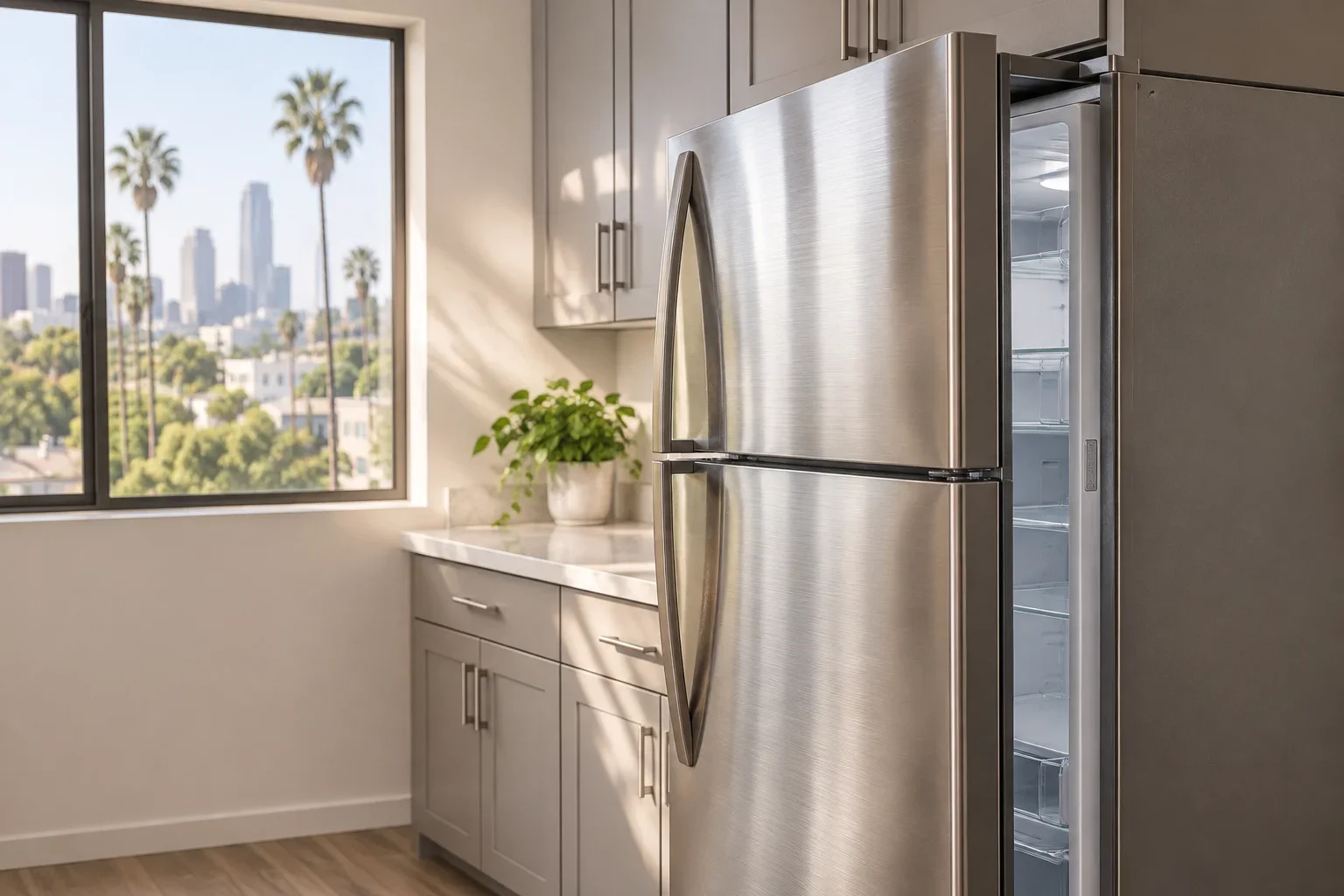
When a rental refrigerator, range, or washer stops working, the first question is often whether coverage may apply. A single, current appliance file can help Los Angeles and San Fernando Valley owners answer that question before authorizing work. Record each appliance’s location, model and serial numbers, purchase date, coverage terms, claim contact, and deadlines. Keep the documents together, make them accessible to whoever coordinates service, and update the file whenever an appliance is replaced.
Build One File for Every Property
Choose a secure digital folder or property-management system that an owner or authorized manager can reach quickly. Organize it by property, then by unit and appliance. Use a consistent file name, such as “Unit 2 - Refrigerator - Warranty,” and save searchable PDFs or clear photos of paper records.
Start with an inventory. For each appliance, record:
- Property address, unit number, and appliance location, such as kitchen or laundry closet.
- Appliance type, brand, model number, and serial number. Photograph the rating label if the numbers are hard to read.
- Purchase or installation date, retailer, invoice number, and proof of payment if available.
- Warranty provider, coverage start and end dates, and any registration confirmation.
- Service-plan administrator, contract or plan number, phone number, website, and claim instructions.
Save the purchase receipt and warranty document together. The Federal Trade Commission recommends keeping product receipts with warranty records, since a receipt can help establish the purchase date. Check the appliance’s documentation for registration requirements or other steps that may affect a claim.
For a broader recordkeeping approach, keep this file distinct from your maintenance history. A useful property maintenance history can document recurring issues and work performed, while the appliance file answers who provides coverage and how to request it.
Record the Terms That Affect a Claim
Do not rely on a card or sales summary that only says “covered.” Save the complete warranty or service-plan contract, including exclusions, deductibles, service fees, coverage limits, and instructions for requesting service. Note whether labor, parts, travel, or a replacement appliance are included, but follow the contract wording rather than assuming a particular benefit applies.
An optional service contract is different from a warranty that comes with a product. It may have a separate administrator, coverage period, and claims process. Record both forms of coverage separately, including whether one starts only after another ends. The FTC advises consumers to review coverage, limitations, costs, and the claims process before relying on an extended plan.
Add a short “claim checklist” to each appliance record. It might note what information the provider requests, how to open a claim, whether approval is required before service, who may perform covered work, and how reimbursement works. If the contract is unclear, ask the provider to explain the requirement in writing and save the response.
Check Coverage Before Authorizing Work
When a resident reports an appliance problem, first gather the appliance location, model and serial number, a description of the issue, and any relevant photos. Then check the file before booking a repair. Confirm that the appliance is still within the listed coverage period and review the contract for the reported problem, required provider, deductible, and pre-approval steps.
Contact the manufacturer or plan administrator using the saved claim contact. Give the requested details and ask these practical questions:
- Is the appliance and reported issue potentially covered under this specific plan?
- Must the claim be opened or approved before a technician is dispatched?
- Does the provider require a particular repair network or technician?
- What fees might the owner owe, and what documents should be retained?
- Is there a claim, notice, or documentation deadline?
Record the date, representative or case number, instructions, and any approval in the file. Do not treat a preliminary phone response as final approval if the provider requires written authorization. If the appliance needs prompt attention, coordinate next steps without assuming that an unapproved repair will be reimbursed. Follow the rental’s established process for communicating with the resident and arranging access.
Track Deadlines and Close the Record
Enter the coverage start and end dates, registration deadline, and any claim follow-up date in a calendar or task system. Set reminders ahead of expirations, not on the final day. Review upcoming dates during periodic property-file checks, and verify uncertain dates against the actual warranty or contract.
After a claim, save the claim number, approval, work order, invoice, proof of payment, and provider decision. Note whether the work was covered, partially reimbursed, or declined. If the provider denies coverage, keep the explanation and any follow-up correspondence with the same appliance record.
When an appliance is replaced, archive the old record rather than overwriting it. Add the replacement’s model and serial numbers, purchase and installation dates, receipt, warranty, registration, and service-plan details. Mark the prior appliance as removed and update the unit inventory. That final step keeps future claim checks tied to the appliance actually in the rental.
A practical next step is to inventory the appliances at one property this week, locate missing receipts or contracts, and confirm the correct claim contact for any coverage that is still active. A clear file cannot guarantee a claim will be approved, but it can help the person coordinating service find the relevant terms and follow the required process.