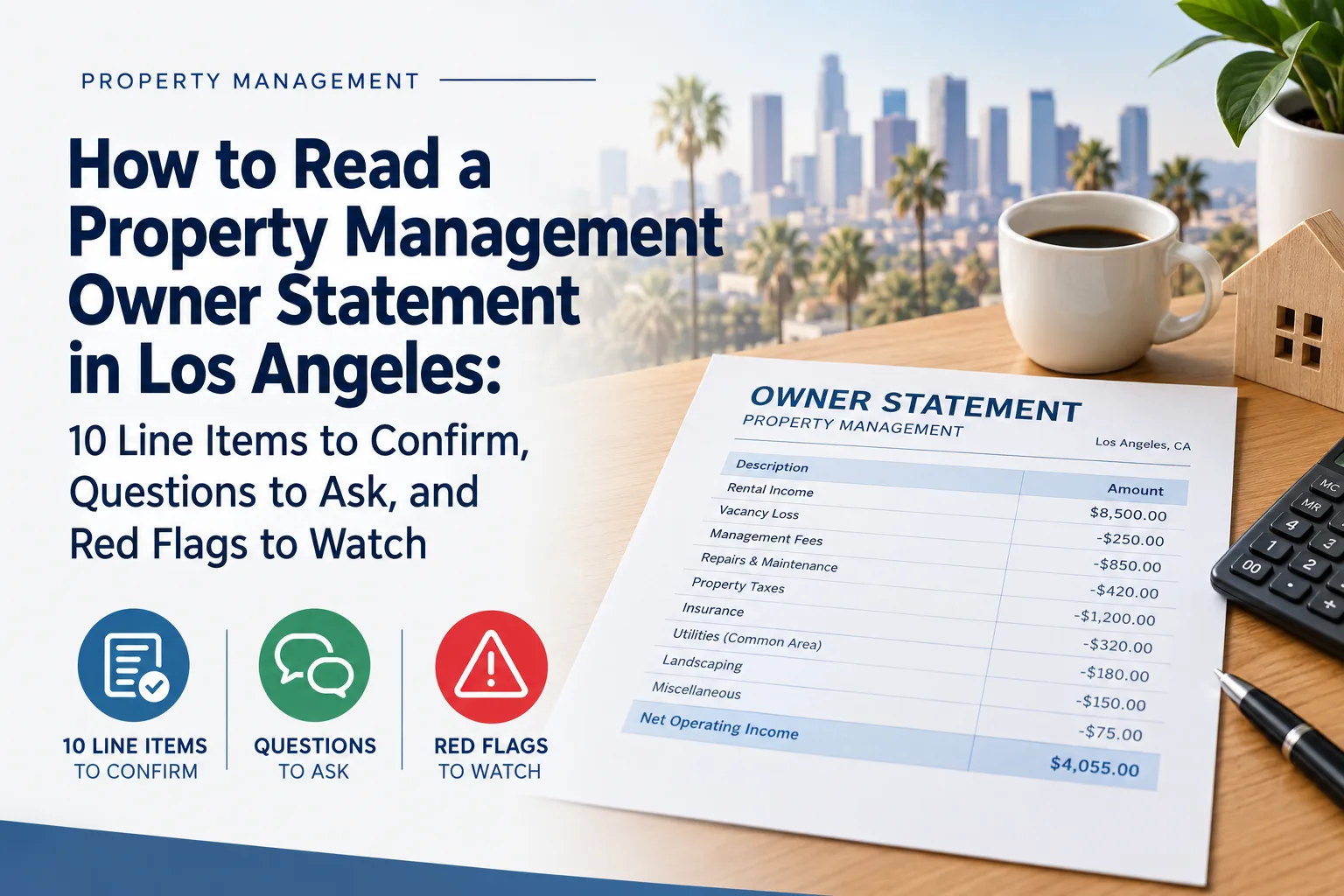
Whether you own in Burbank, Studio City, North Hollywood, Glendale, or the San Fernando Valley, your property management owner statement is your monthly source of truth. Done right, it makes income, expenses, reserves, and disbursements easy to trace. Done poorly, it creates confusion and surprises.
This walkthrough is built for how to read a property management owner statement without needing an accounting degree. Use it to review your next report, ask focused questions, and spot issues early, including when expenses look high, when descriptions are vague, or when adjustments are unexplained. If you are also evaluating residential property management Los Angeles options, these checks help you compare reporting quality, not just promises.
First, confirm the statement basics (before you review numbers)
Start with the administrative details, because they affect how you interpret every line item.
- Accounting period: What dates does this statement cover?
- Owner name and address: Is this tied to the correct unit, property, and ledger?
- Statement type: Is it a monthly owner statement, and does it show reserves or deposits held?
- Owner disbursement timing: When should distribution occur after rent and expenses are posted?
Many owner statements also clearly disclose that they are meant to summarize rent collected, fees charged, itemized expenses, and reserves, plus the net amount distributed to the owner. Use that structure as your baseline when you review the rest of the report.
The 10 line items to confirm every month
Below are 10 common line items you should see, plus what to verify in each one.
1) Rent roll and rent collected
- Confirm the tenant list, monthly rent amounts, and payment totals.
- Check whether totals match your expectations for the accounting period.
2) Vacancy and rent loss
- Look for explicit line items for vacancy, any rent loss, and how turn periods are handled.
- If a unit is vacant part of the month, ask what drove the vacancy period dates.
3) Late fees and how they are treated
- Confirm the late fee treatment: when they are assessed, and whether they are included in rent totals or listed separately.
- Also check whether the late fee appears to be connected to nonpayment timing, not repairs or other unrelated items.
4) Security deposits and reserves held
- Verify where deposits and reserves show up on the report (held vs distributed).
- Ask how the manager tracks deductions or releases, especially when a tenant moves out.
California has detailed rules for security deposits, including itemized accounting and timelines at move-out. Review your statement for deposit transparency and make sure move-out activity is handled properly.
5) Vendor and maintenance charges
- Confirm that maintenance expenses are itemized with dates, vendor names, and short descriptions.
- Watch for repeated charges that look like the same repair recurring without an explanation.
6) Reimbursable vs non-reimbursable items
- Look for whether charges are categorized as reimbursable (for example, tenant-responsible items, when applicable) or non-reimbursable operating costs.
- If your leases or agreements distinguish responsibilities, the statement should reflect that.
7) Markups and fees on third-party work
- Check whether there is a markup on contracted labor or parts.
- Confirm the markup rate and whether it matches your management agreement.
8) Leasing fees and turnover costs
- If a unit turned or a lease was signed, confirm whether leasing fees appear as separate line items.
- Verify that turnover costs are not mixed into unrelated “repairs” without clarity.
9) Management and leasing fees
- Confirm the management fee basis (percentage, flat fees, or per-activity charges).
- Make sure fees are consistent month-to-month unless clearly explained.
10) Adjustments and ledger dates
- Look for an “adjustments” or “prior period” section. Every adjustment should have a reason.
- If a charge posts after the fact, confirm the ledger date and how it impacts the statement.
Owner Q&A checklist (send this with your review)
To get fast, owner-friendly answers, ask targeted questions. Use this checklist:
- What changed between this statement and last month, and why?
- Which expenses are reimbursable, and what documentation supports that classification?
- For each vendor charge over a threshold, can you share the work order summary and completion notes?
- Were any repairs split across multiple invoices? If so, why?
- How are late fees calculated and recorded?
- Are reserves or deposits increasing or decreasing, and what triggered the change?
- If there is a “prior period adjustment,” what specifically was corrected?
Common red flags to watch in Los Angeles statements
Some issues are harmless timing differences. Others can indicate poor controls. Flag anything that looks like:
- Unclear descriptions: “Maintenance” without dates, scope, or vendor context.
- Missing backup: Expenses shown without the ability to trace to an invoice, work order, or payment.
- Adjustments with no explanation: Prior period changes that do not state what was corrected.
- Unexplained markups: Markups that differ from the agreement or appear without a rate breakdown.
- Mixed categories: Reimbursable items sitting inside non-reimbursable totals, or vice versa.
- Frequent repeat repairs: The same system shows up repeatedly without evidence of root-cause work.
If you want a simple comparison framework, focus on report quality first: clarity of accounting period, clean itemization, and explanations for vacancy, adjustments, and deposit activity. That is the foundation of trustworthy reporting for any real estate management Los Angeles relationship.
When to escalate and what to request
If something does not make sense, do not wait until year-end. Escalate while the details are still fresh.
- Request a monthly expense detail export or ledger report for the items in question.
- Ask for a summary of vendor work order status and any repeat issue rationale.
- For deposit or move-out-related items, ask how the statement ties to required itemization practices under California security deposit rules.
For owners and investors who want responsive communication and clean owner reporting, Suave Management supports Los Angeles and the San Fernando Valley with full-service management, including transparent monthly financials. If you are reviewing your next statement and want a second set of eyes, contact us at (818) 533-8845.